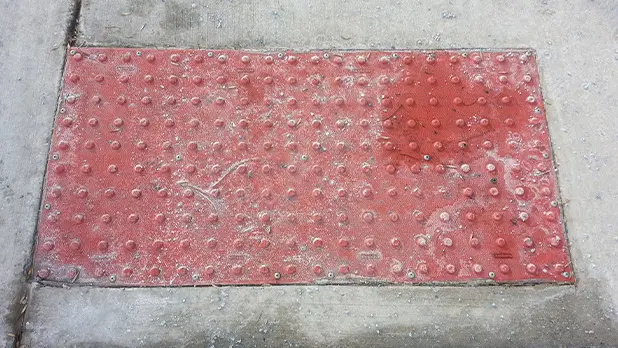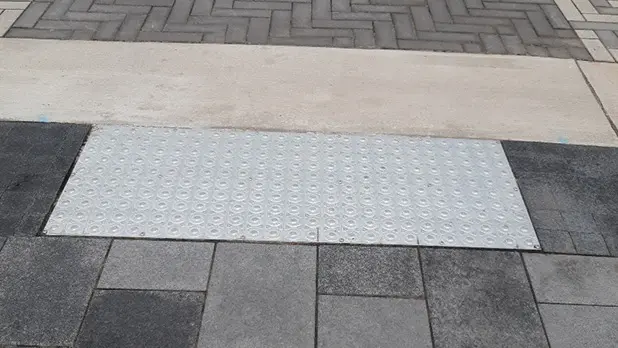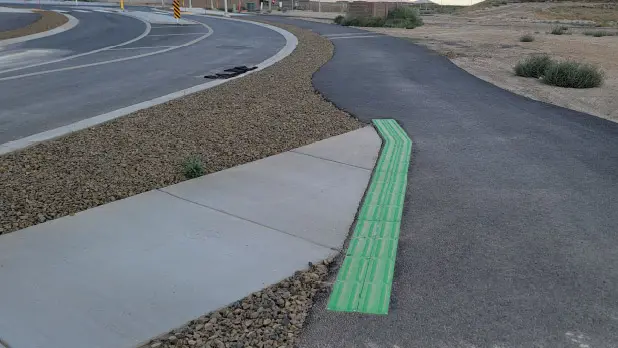
When a project specifies tactile directional indicators, the product names can be easy to mix up. TufTile offers narrow guide bars, wayfind bars, and alignment squares. Each name refers to a different TDI configuration, with its own listed dimensions and options.
Understanding those product names can help architects, engineers, contractors, and specifiers check that the item in a product schedule or submittal matches the project documents. This guide compares the individual TufTile TDI configurations. It does not cover how the components should be combined across a route.
What Are Tactile Directional Indicators?
Tactile Directional Indicators (TDIs), also known as Directional Guidance Indicators (DGIs), use raised bars to provide tactile guidance along a pedestrian route. TufTile describes its TDIs as a wayfinding product for people who are blind or have low vision.
TDIs have a different purpose from Detectable Warning Surfaces (DWSs), which use truncated domes to warn of certain hazards or transitions. A TDI configuration should therefore be selected and specified according to its intended product role, the project design, and the guidance that applies to the site.
TufTile’s Three TDI Configurations
TufTile groups its TDI products into three configurations: 2-bar narrow guide bars, 4-bar wayfind bars, and 8-bar alignment squares. The number and name help identify the product type; the dimensions and other specifications help identify the exact item.
2-Bar Narrow Guide Bars
The 2-bar TDI is called a narrow guide bar. TufTile lists two sizes:
- 6 × 12 inches
- 6 × 48 inches
Both are narrow-format units, but they differ in length. When reviewing plans or a submittal, confirm which size is specified rather than relying on the product name alone. The selected unit also needs to match the project’s product schedule and applicable product documentation.
4-Bar Wayfind Bars
TufTile calls its 4-bar configuration wayfind bars. The listed options include:
- 12 × 12 inches
- 12 × 24 inches
- 12 × 60 inches
- 30-degree angle
- 45-degree angle
The wayfind bar assortment includes multiple lengths and two angle options. These details matter when confirming that the product being quoted or submitted matches the one shown in the plans. The angle designation identifies a product option; it does not by itself tell the project team where that unit belongs.
8-Bar Alignment Square
The alignment square is TufTile’s 8-bar, 24 × 24-inch configuration, featuring two rows of 8 bars. Its product name distinguishes it from the narrow guide bars and wayfind bars.
When a project calls for an alignment square, check that the submittal identifies the correct unit and dimensions. If the drawings show a specific bar arrangement, compare that detail with the current TufTile product documents rather than inferring the arrangement from the name alone.
Compare the Configurations
| TDI configuration | TufTile product name | Listed sizes or options |
|---|---|---|
| 2-bar | Narrow guide bar | 6 × 12 in.; 6 × 48 in. |
| 4-bar | Wayfind bars | 12 × 12 in.; 12 × 24 in.; 12 × 60 in.; 30° and 45° angle options |
| 8-bar | Alignment square | 24 × 24 in. |
What Else to Confirm When Specifying TDIs
Bar configuration is one part of the product specification. TufTile TDIs are made from G90 galvanized steel and are available in 10- and 16-gauge options. TufTile also lists wet-set and surface-applied installation options.
Before finalizing a product selection, confirm:
- The TDI configuration and product name
- The exact unit dimensions and any angle option
- The specified gauge
- The installation method
- The product-specific submittal and installation instructions
These checks help keep the specified product, submitted product, and project documents aligned. If any of those details differ, resolve the discrepancy before the product is ordered or installed.
Product Configuration Is Not the Same as Route Layout
The terms narrow guide bar, wayfind bars, and alignment square identify TufTile product configurations. They do not, by themselves, establish the full tactile route design.
How individual TDI units are arranged across a project depends on the site, the route being served, and the project documents. That larger question—how components work together in a project layout—is separate from identifying the individual products.
For current dimensions, product options, and documents, see TufTile’s Tactile Directional Indicators product page.