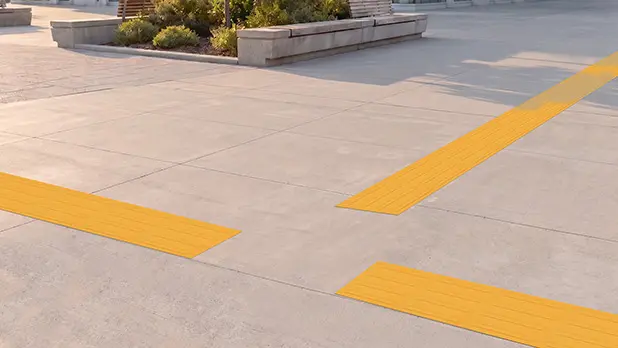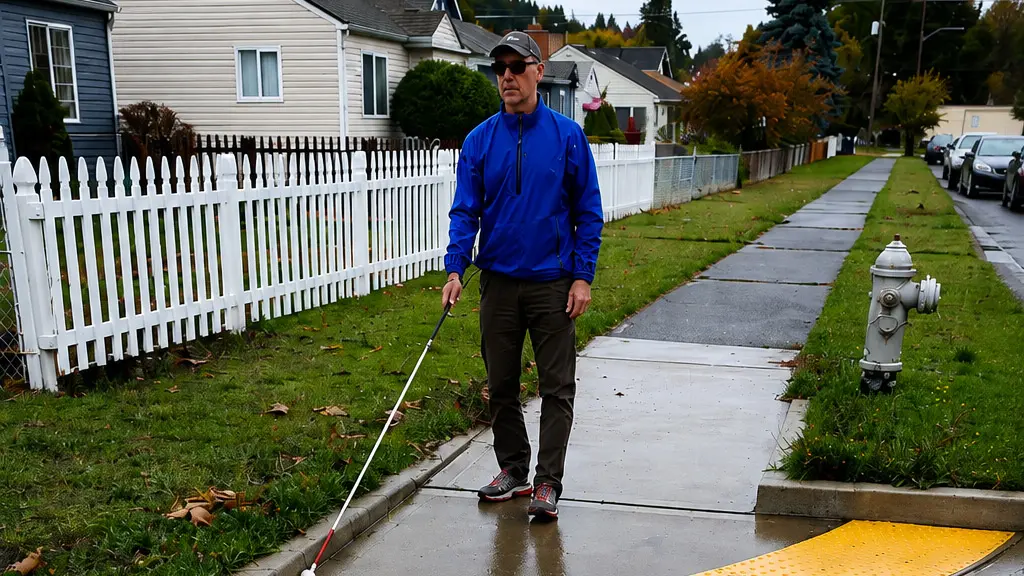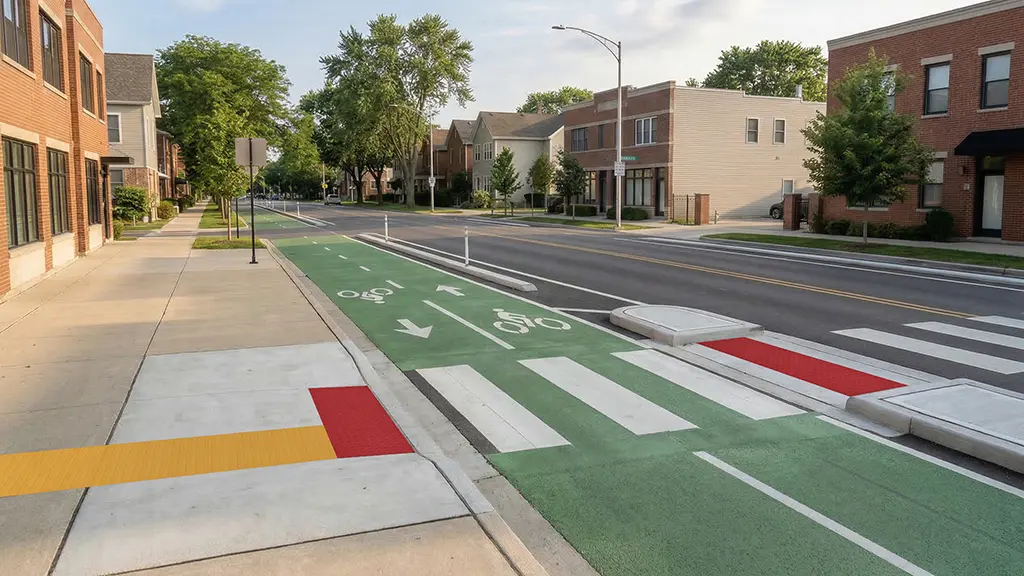
Imagine following a raised path through a transit center. It leads from the entrance toward a platform, then stops at a wide concourse. Farther ahead, another tactile pattern appears—but there’s nothing that clearly tells you how the two connect.
Every individual section may be noticeable. The problem is the system.
Tactile wayfinding works best when travelers can learn what its patterns mean and rely on those meanings throughout a route. That makes consistency more than a visual design preference. It’s part of how the system communicates.
Give Each Pattern One Clear Purpose
Different tactile patterns are intended to communicate different information.
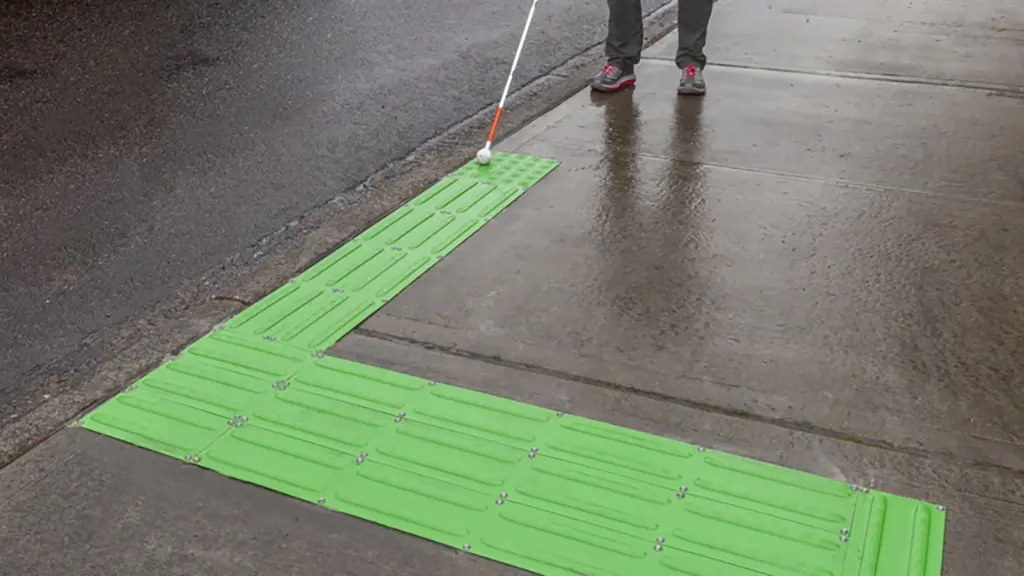
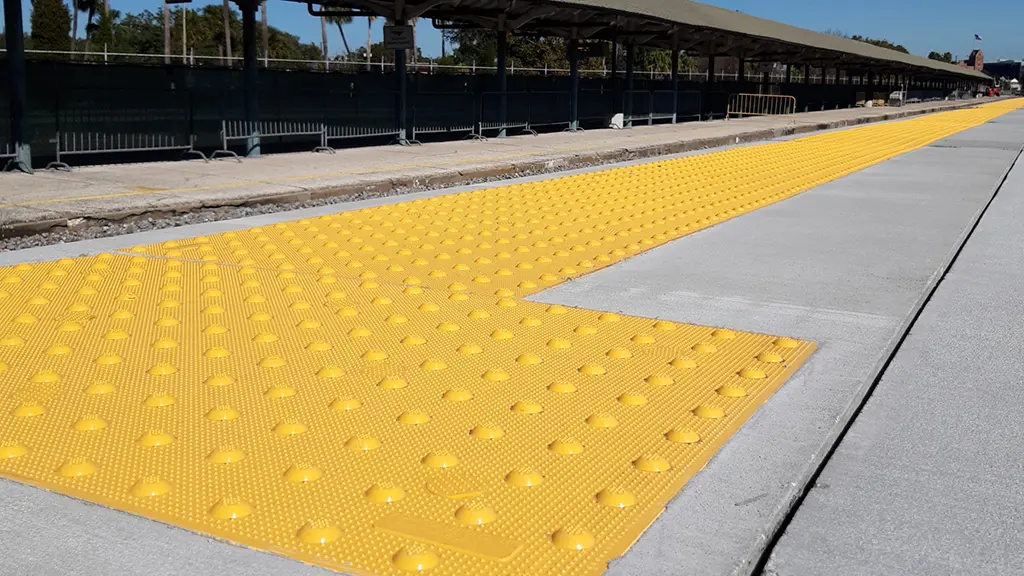
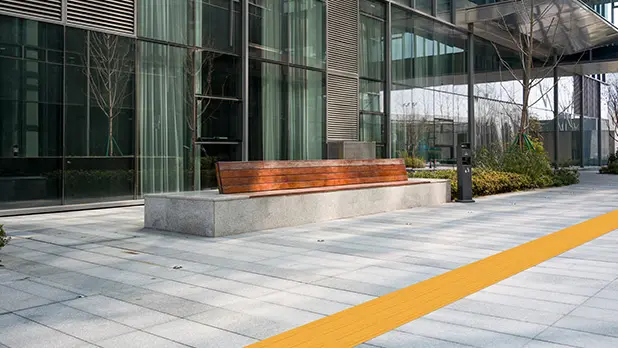
Detectable warning surfaces use raised domes to warn at certain boundaries or hazards where required. Tactile directional indicators use raised bars to provide guidance or alignment along a route.
Keeping those purposes distinct makes the system easier to understand.
That distinction should carry through the project documentation as well. Plans, legends, details, and specifications should use consistent names and symbols. Directional bars should be shown with their intended direction of travel, and the beginning, turns, branches, and end of a route should be clear.
TufTile’s Tactile Walking Surface Indicator system includes warning and directional products designed to perform different roles within a coordinated tactile environment. The value comes from using the right pattern for the message the design needs to communicate.
Test the Route at the Places That Matter Most
A useful way to review a tactile wayfinding design is to focus on three points: the beginning, the decisions, and the destination.
At the beginning: Can a traveler find the tactile route where the journey starts?
At turns and branches: Does the system make it clear how to continue?
At the destination: Does the tactile route actually reach the entrance, crossing, platform, service point, or other place it is intended to serve?
The straight section between those points may be perfectly clear, but a missing connection at either end can make the entire route harder to use.
Project boundaries deserve the same scrutiny. If one construction project ends at the edge of a transit plaza and another begins there, the tactile route shouldn’t stop simply because the drawing set does.
Keep the System Consistent Across Projects
Tactile wayfinding systems are often built over time. One project may establish a route through a transit facility or public space, while a later renovation extends that route into a new area. Pavement repairs, accessibility upgrades, and other improvements may change individual sections again years later.
Each project can make sense on its own while still creating inconsistencies in the larger system. A directional pattern may change alignment at a project boundary. A route may stop where one construction phase ended instead of connecting to the next destination. Different drawings may even use different terminology for tactile surfaces intended to perform the same function.
When new work connects to an existing tactile wayfinding system, start by documenting what is already there. Look at the pattern, orientation, route alignment, transitions, and terminology used in the original project. Then make sure the new work continues the same tactile language wherever the intended meaning remains the same.
Consistency across project boundaries helps the system function as one connected route rather than a series of individual installations.
Repairs Should Preserve the Same Message
Consistency matters during maintenance, too. A tactile wayfinding system may remain in place through years of pavement repairs, product replacement, and other site improvements.
If part of a tactile route is damaged or replaced, the new section should preserve the alignment, pattern, and intended meaning of the original system. That becomes much easier when the owner has a record of what was installed.
Document the product, material, color, pattern, and layout. An as-built drawing or even a well-framed site photo can help show how a directional pattern is aligned with the route and connected to adjacent surfaces.
That information is useful not only for maintenance crews, but for future projects that need to connect to the existing tactile system.
Think of It as a Language
A tactile wayfinding system communicates through patterns, direction, and repetition. If the same cue means one thing in one area and something different in the next—or disappears at the point where someone needs it most—the message becomes harder to follow.
Consistency gives travelers a chance to understand the system and use that understanding as they move through the space.
The individual tactile surface matters. But what ultimately makes it useful is how well it connects to everything that comes before and after it.