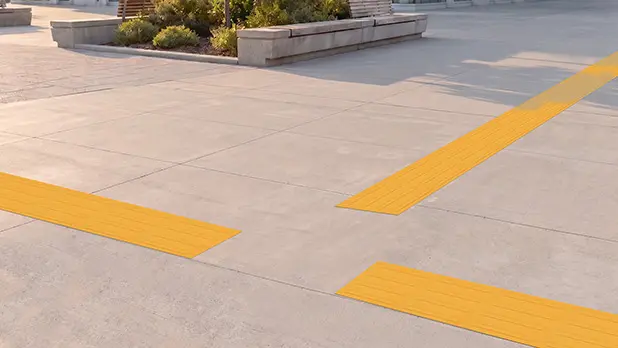
In a hallway, walls, doorways, and other architectural features help define where to go. Step into a large plaza, transit forecourt, or open concourse and many of those cues disappear.
That is where tactile wayfinding can become especially useful. But a successful route starts with a deceptively simple question: Where does someone actually need to go?
Starting with the trip instead of the tactile product helps keep the system purposeful. The goal isn’t to add a pattern to the pavement. It’s to create a route that can be found, followed, and understood from beginning to end.
Map Real Trips Before Drawing the Tactile Route
Consider a transit plaza where a traveler enters from the sidewalk, needs to locate a ticket machine, and then continue toward a boarding platform.
On a plan, it may be tempting to draw a direct line between those points. In everyday use, however, that line could pass through a queue, café seating, a gathering area, or a space used for temporary displays.
Instead, walk through the trip one decision at a time.
Where does the traveler enter the space? Which destination needs to be found first? Where does the route turn or branch? What happens after that decision point?
Also look for features that already help define the path. A wall, handrail, curb line, landscape edge, or other consistent feature may provide useful orientation along part of the route. Tactile guidance can then be planned where those cues are absent or where additional direction is needed.
Make Sure Each Tactile Surface Has a Clear Job
Not every tactile surface communicates the same information.
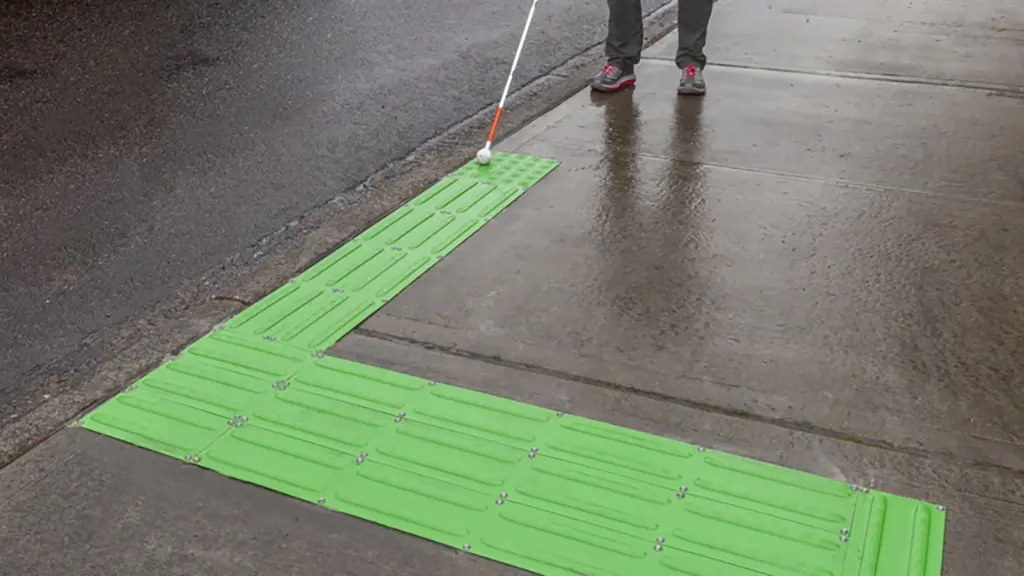
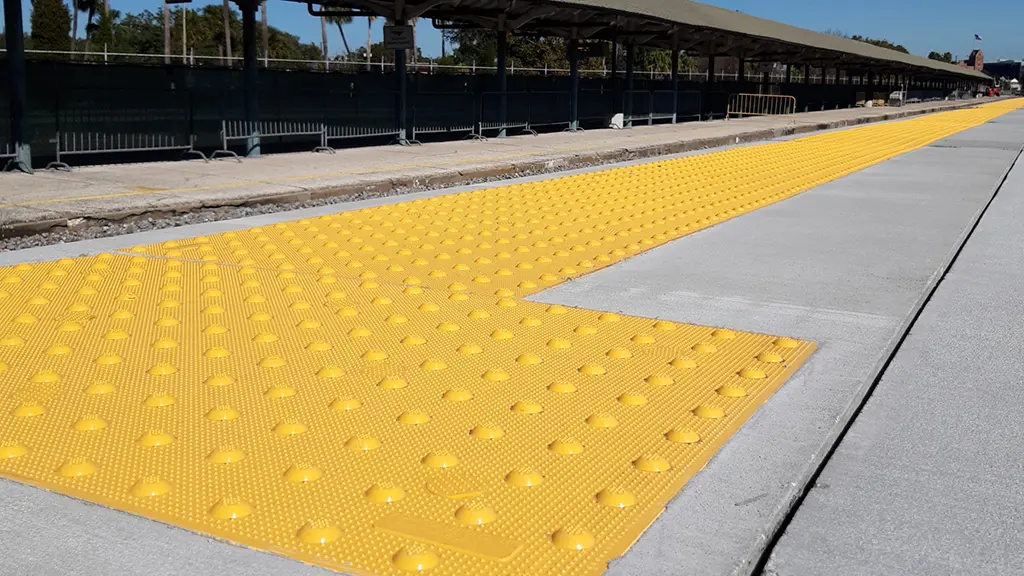
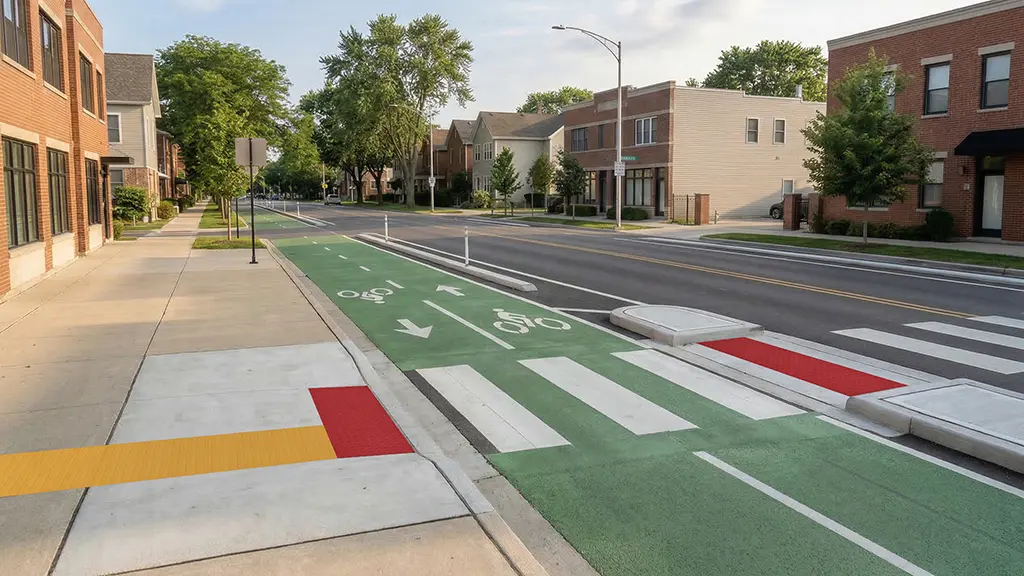
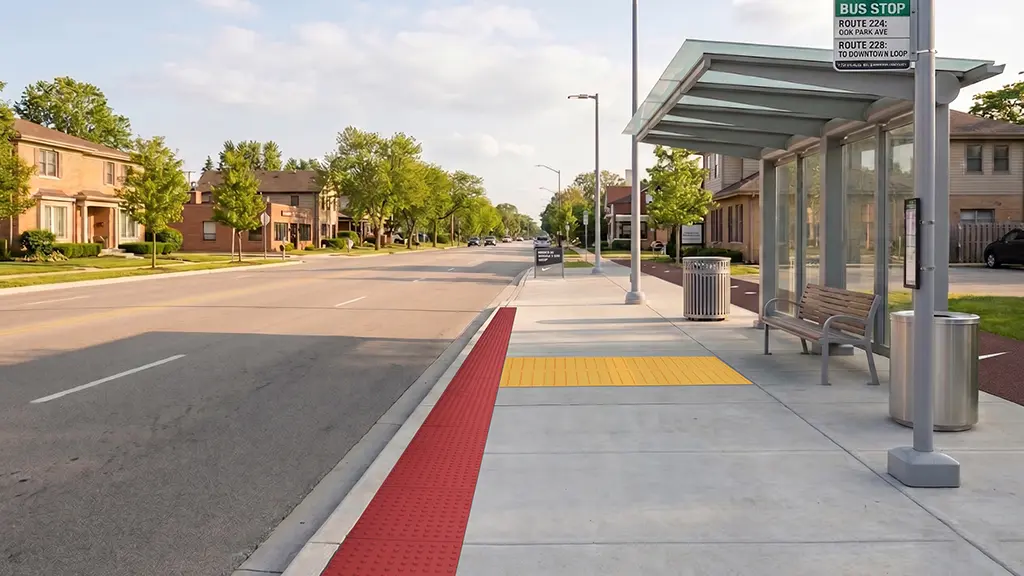
Detectable warning surfaces use a pattern of raised domes to provide a warning at certain boundaries or hazards where required. Tactile directional indicators use raised bars to provide directional guidance or alignment along a route.
Those functions shouldn’t blur together.
If directional guidance is being used, the layout should make it clear where the route begins, how a traveler continues through turns or branches, and where the guidance ends. If a detectable warning surface is required at a destination or transition, it should retain its distinct warning function.
TufTile’s Tactile Walking Surface Indicator system includes products designed for these different purposes, allowing warning and directional surfaces to work as parts of a coordinated system rather than as interchangeable patterns.
Pay Special Attention to Decision Points
Straight portions of a tactile route are often the easiest part to understand. Turns, intersections, and endings are where the design really has to communicate.
Imagine following a directional surface across a large plaza and reaching a point where the path branches. If nothing clearly indicates how the routes relate to one another, simply adding more tactile surface doesn’t necessarily solve the problem.
Review every point where a traveler has to make a decision. The intended direction should remain understandable without relying solely on visual information.
The same principle applies at the end of the route. Directional guidance that stops several feet short of an entrance, crossing, platform, or other destination can leave the final part of the trip unresolved.
Test the Route Against Everyday Conditions
A route that looks perfectly clear on a site plan may feel very different once the space is being used.
Look at the design with everyday conditions in mind:
- Could a queue form across the tactile route?
- Will movable furniture or seasonal displays occupy the same space?
- Do drainage structures, pavement joints, or changes in material interrupt the tactile cue?
- Does the route remain clear when the space is crowded?
If another project begins at the edge of this one, do the two routes actually connect?
Whenever possible, include people who are blind or have low vision in the review process, along with orientation and mobility professionals who understand how people with vision disabilities navigate real environments. They may identify a confusing turn, missing connection, or competing cue that isn’t obvious from the drawing alone.
Design the Route First. Select the Product Second.
Tactile products are easier to specify once the wayfinding strategy is clear.
By the time product selection begins, the team should understand where travelers are coming from, where they need to go, which existing features help define the route, where decisions occur, and how each tactile pattern will communicate its intended purpose.
In an open space, that bigger picture is what turns a collection of tactile surfaces into a wayfinding system.