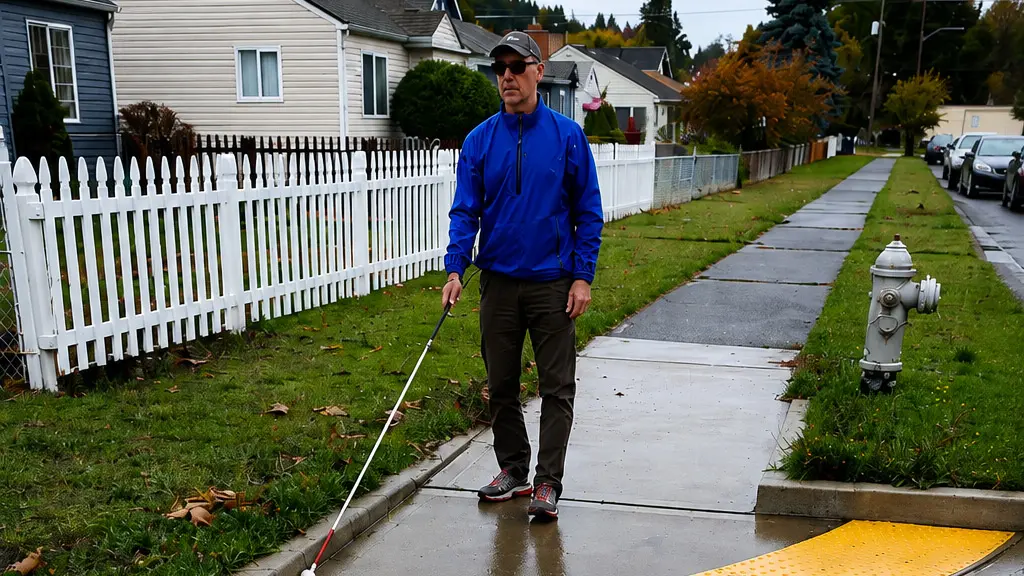
Wayfinding is not limited to signs. For pedestrians who are blind or have low vision, information can also come from building faces, landscaping edges, curbs, railings, pavement texture, sound, long canes, guide dogs, accessible signs, audible information, and other environmental cues.
Tactile directional indicators (TDIs) can supplement those cues where the built environment does not provide enough reliable nonvisual information. Their raised parallel bars can communicate guidance, alignment, orientation, or location—but only when the system is designed around a clear pedestrian task.
Wayfinding Begins With the Environment
Before adding a tactile path, designers should look at the cues that already exist.
A continuous building face, wall, landscaping boundary, railing, or clear texture change may provide a feature that a pedestrian can follow. Large plazas, open transit environments, complicated crossings, and areas where those cues disappear can create a greater need for purpose-built tactile guidance.
This approach keeps TDIs focused on locations where they provide meaningful information rather than treating raised bars as a default treatment for every pedestrian route.
How Directional Bars Communicate
TDI surfaces use elongated raised bars whose orientation contributes to their meaning.
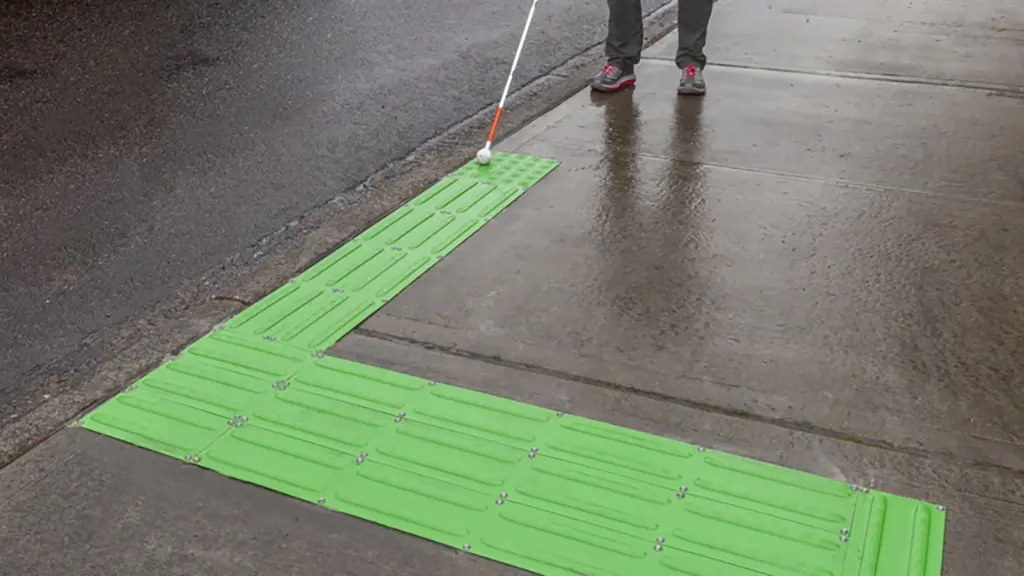
A pedestrian may detect the bars underfoot or with a long cane and use the pattern to follow a route, locate a feature, or establish an intended direction.
Unlike truncated domes, directional bars do not communicate the standardized DWS warning. The distinction between the two patterns needs to remain clear.
Different TDI Configurations Support Different Tasks
Guide Bars
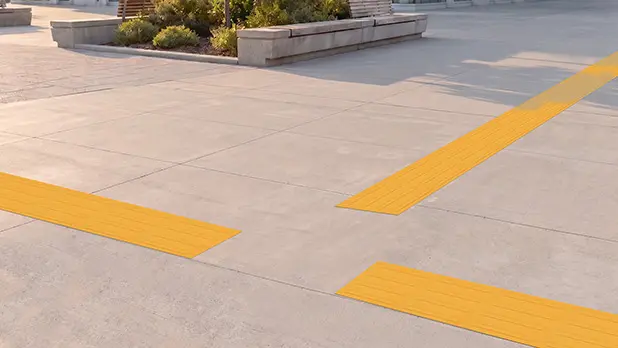
Narrow guide paths can help a pedestrian follow a route through an open environment or around a feature where natural guidance is insufficient.
Sidewalk Alert Bars
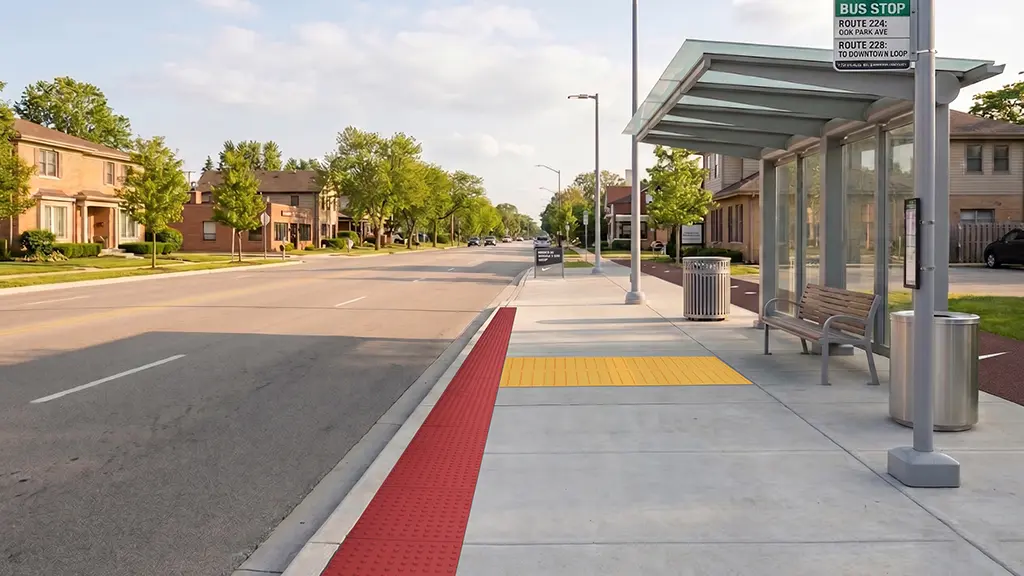
Wider tactile treatments can help identify difficult-to-locate noncorner crossings or transit stops.
Alignment Bars
Directional bars can provide an orientation cue that helps a pedestrian establish the intended heading for a crossing.
Transit-Door-Location Bars
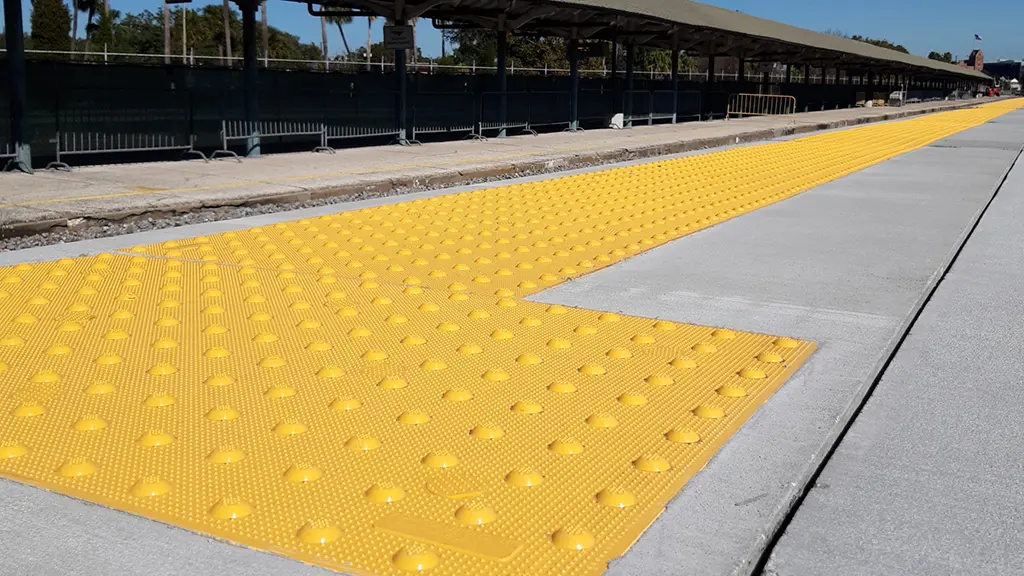
Tactile bars can also identify boarding locations in transit environments.
These applications use the same general raised-bar family for different purposes, which is why width, orientation, placement, and consistency need to match the intended task.
Where TDIs May Be Considered
Transit stations and plazas are natural examples because they often contain large open spaces with limited edges to follow.
Potential focus areas can include entrances, fare areas, stairs, elevators, escalators, boarding areas, restrooms, and accessible pickup or drop-off points.
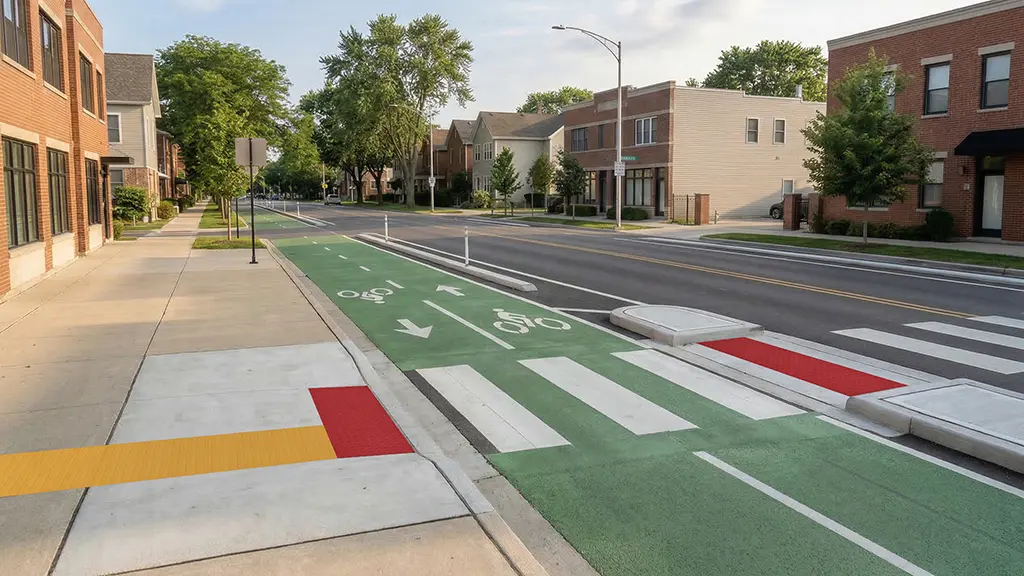
TDIs may also support crossing environments by helping pedestrians locate midblock or roundabout crossings, identify crossings over separated bicycle facilities, establish alignment, or navigate around features such as bicycle ramps.
Campuses, shared-use paths, and other complex pedestrian environments may present similar needs.
TDIs and Detectable Warnings Are Complementary
Directional guidance and hazard warning should remain separate tactile messages.
A TDI may lead a pedestrian toward a crossing, but the crossing transition may require a truncated-dome DWS. Using the same pattern for both purposes would make the tactile information less predictable.
At intersections of multiple TDI path segments, research-based guidance supports blank choice points rather than using truncated domes as generic turn markers. This preserves the established warning meaning of the dome pattern.
Material and Field Configuration
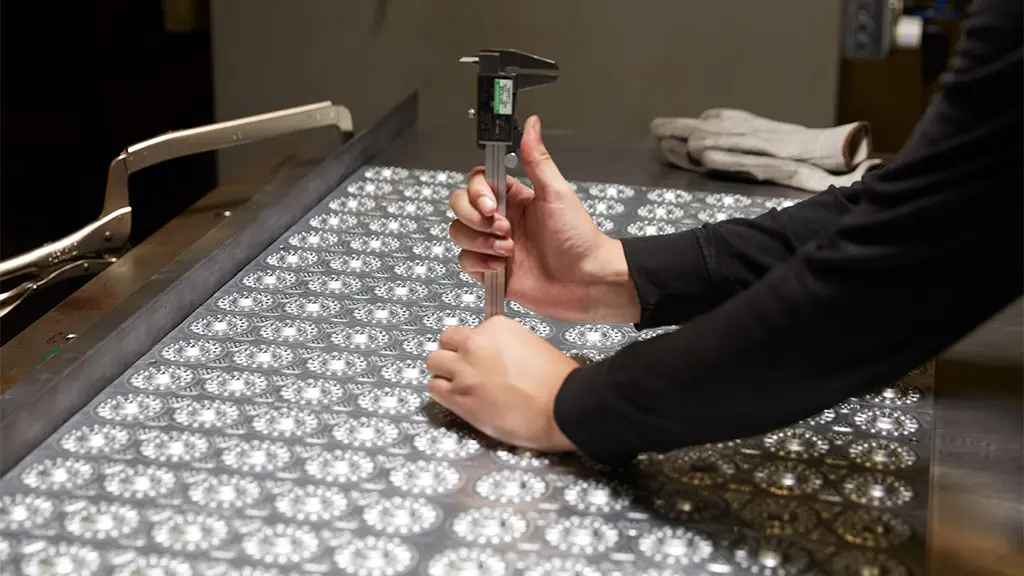
TufTile manufactures TDIs from G90 galvanized steel in 10- and 16-gauge options and offers both wet-set and surface-applied configurations.
The multi-bar system allows field modification, but physical flexibility should not result in wayfinding ambiguity. Turns, intersections, beginnings, endings, and changes in direction still need to preserve the planned tactile message.
Visual and Tactile Integration
Although TDIs communicate tactually, the route also exists within a visual environment.
Pavement colors, markings, lighting, intersections with other finishes, and changes in direction can affect how clearly the system reads for people with low vision.
Tactile and visual information should reinforce the same route rather than compete with one another.
Design the Journey, Not Just the Strip
Larger environments may use either continuous or discontinuous tactile systems.
A continuous system connects designated destinations with tactile paths. A discontinuous system uses localized tactile cues while relying on reliable environmental features for guidance between them.
The appropriate strategy depends on the site, route complexity, available space, and pedestrian needs.
Effective tactile wayfinding starts by mapping the journey: origin, destination, decision points, hazards, boundaries, and transitions. Once that journey is understood, TDIs can be added where they provide useful information.
The goal is not simply to install a directional strip. It is to create a route that can be understood and followed.